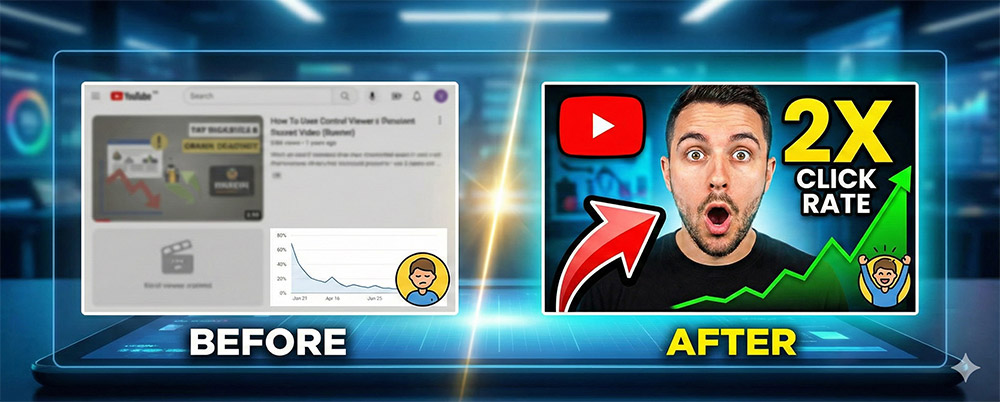
Many people think, "What's the use of thumbnails when it's a feed format where you scroll up anyway?" However, this is only half true. It is a completely different story when your videos are displayed on Channel Home, Recommended Videos, and YouTube Search Results. Don't forget that what grabs the viewer's attention at this moment is a 'single striking thumbnail' rather than the video title!
YouTube's automatically selected 'random frames' often fail to show even 10% of your video's appeal. What if your eyes are closed or the scene is out of focus becomes the thumbnail? Your painstakingly made video will just get buried.
Solution: Make sure to press the pencil icon when uploading in the mobile app.
You must personally select the most stimulating, most intriguing, and visually prettiest 1 second from the entire video and set it as the thumbnail.
Show the 'Result' First: If it's cooking, the delicious finished visual; if it's exercise, before-and-after photos showing the changes; it is effective to show the 'reward' the viewer will get for watching the video to the end in advance.
Make Text Large and Bold: If there is text in the thumbnail, it should be large enough to be readable even on small mobile screens. Select frames that include curiosity-stimulating phrases such as "Is this possible?" or "Shocking true story."
Utilize facial expressions: If a person appears, frames displaying exaggerated expressions or emotions are much more powerful in inducing clicks.