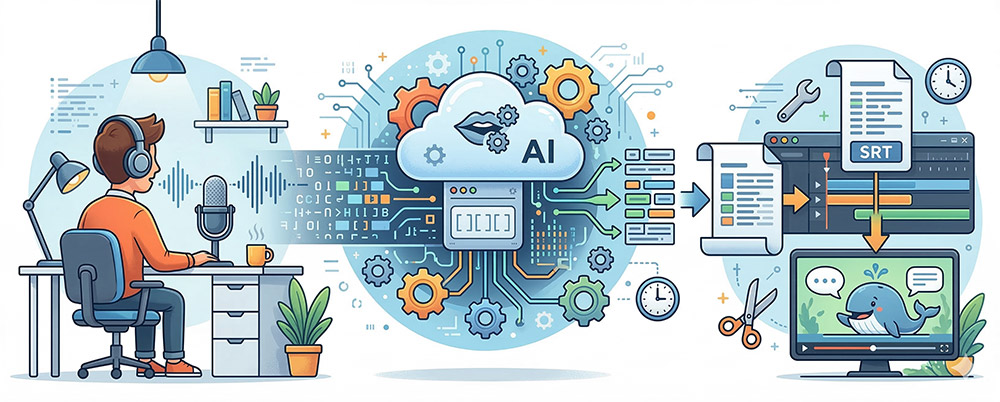
This is TurboScribe, based on OpenAI's powerful speech recognition model, Whisper.
The era of listening to audio in videos and typing it out manually is over.
Now, we live in a world where AI generates accurate subtitle files (.srt) in just a few minutes.
Shall we take a closer look at why TurboScribe is special and how to use it?
TurboScribe is a tool that implements 'Whisper,' an open-source speech recognition AI model developed by OpenAI, as a web service to make it easy for anyone to use.
In the past, speech recognition technology suffered a significant drop in recognition rates when background music was loud or pronunciation was unclear. However, Whisper learns from vast amounts of data and demonstrates remarkable accuracy even in noisy environments.
TurboScribe utilizes this technology to support Korean as well as over 98 languages worldwide.
Why Choose TurboScribe Among Many Subtitle Conversion Tools?
Overwhelming Accuracy: Utilizes the latest Whisper model to enable accurate text conversion that grasps context.
3 Free Conversions Per Day: Before making a paid subscription, you can convert up to 3 files daily (up to 30 minutes per file) for free, which is a significant benefit for individual users.
Support for Various File Formats: Provides almost all necessary formats, including .srt (subtitles), .vtt, .txt, .pdf, .docx, etc.
Large File Handling Capability: You can upload large files up to 10 hours or 5GB, allowing for long lectures or interview videos as well No problem.
Web-based service: You can use it directly in your browser without installing a separate program.
3. How to use it in 5 minutes (Step-by-Step)
This is a step-by-step guide that even first-time users can easily follow.
First, access the TurboScribe Official Homepage.
You can easily log in using a Google account, etc.
Click the 'File Upload' button in the center of the screen, or drag and drop the audio/video file you want to convert.
Supports most media formats including MP3, MP4, MOV, WAV, etc.
Upload a file and several setting options will appear.
Select Language: Select 'Korean' or 'Automatic Language Detection'.
Dolphin (Balanced): A balance of speed and accuracy
Whale (Most Accurate): When you need the highest level of accuracy, even if it takes a little longer (Recommended!)
Press the 'Dictation' button and the AI will start the task.
Once completed, you can preview the text, and
simply click the 'Export' button in the top right corner to download the .srt file, and you're done!
How to Get 200% Use Out of TurboScribe
Try using it like this beyond just making subtitles!
Why It Is More Useful for Non-Subscribers to Premiere Cloud
While the latest Premiere Pro (version 2022 or higher) has a built-in 'Auto Captions' feature,
not all editors can use this feature seamlessly.
TurboScribe is the perfect alternative for these people.
Easy and fast subtitle layout configuration possible with .srt files
YouTube automatic subtitles contain many typos. Please upload accurate .srt files created with TurboScribe.
Accurate subtitles help the Google search engine better understand the video content, which is advantageous for search exposure (SEO).
Do not waste time re-listening to fast-paced lectures or important interview content.
Maximize your study and work efficiency by playing the recording, saving it as a .txt file, and searching (Ctrl+F) for only the necessary parts.
Extract the audio from your favorite foreign videos and create subtitle files.
Because AI breaks it down into sentences, it becomes the best learning material for section repetition study or shadowing practice.