https://videogen.io/ko?via=pika
It is the age of YouTube Shorts. However, the task of picking up a camera to shoot and spending hours editing every time is by no means easy.
We often hit a wall, especially when we are uncomfortable with facial exposure or want to bring glamorous scenes that exist only in our minds.
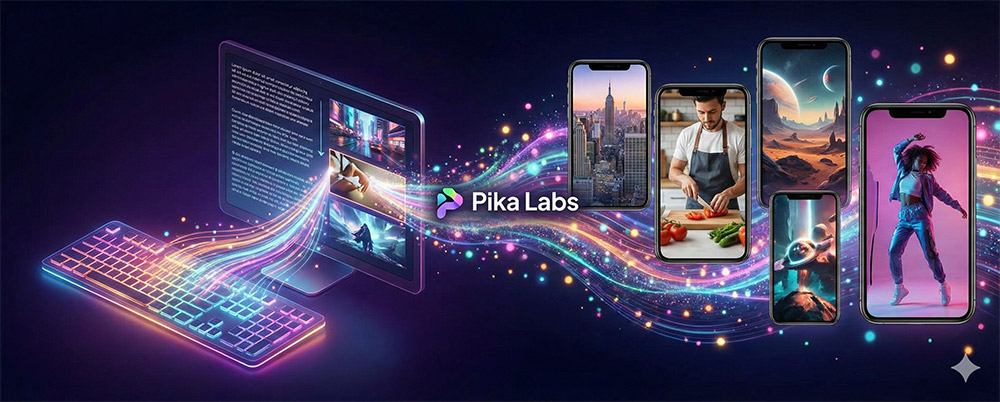
Introducing Pika Labs, an innovative AI tool to solve these problems.
Now you can bring your imagination to life as video using only 'text', without complex equipment.
Pika Labs is a
generative AI platform that generates high-quality video based on text (Text-to-Video) or images (Image-to-Video). Beyond simply creating movement, the biggest feature is that it enables
cinematic direction and detailed camera control.
Main Features:
Text to Video: Create video with a single sentence
Image to Video:
Pikaffects: fascinating and dynamic special effects such as explosions and melting
Sound Effects: automatic sound effect generation suitable for videos (latest feature)
The reason Pika Labs is a 'cheat code' for shorts creators is clear.
Overwhelming speed: A clip perfect for shorts is completed in 10 to 20 seconds.
Various styles: You can freely set the style, from photorealistic cinematic styles to 3D animation and animation (Ghibli style, etc.). [There is.]
Camera Control: You can capture professional-looking angles using commands such as -motion (motion intensity) and -camera zoom.
Summarize the simple usage for blog readers.
Enter Idea (Prompting): Enter the scene you want to create in English via the Pika site or Discord.
(e.g., "A cute mole character reading a book in a cozy library, Ghibli style")
Detailed Settings: Set the aspect ratio to fit the shorts 9:16 and adjust the camera movement values.
Create and Download: Press the 'Generate' button and you're done! You can also modify specific parts you don't like using the 'Modify' function.
This is the Monetization part that many of you are curious about.
According to YouTube policy, AI videos can sufficiently generate revenue if 'human creative editing and planning' is added.
Tip: Add your own narration (voice) to video sources created with Pika, or add subtitles and sound effects to construct an original story.
If your content contains a 'message' rather than simple repetitive videos, the probability of being selected by the YouTube algorithm increases.
As technology advances, we are now in an era where 'what story to tell' is more important than production skills.
Pika Labs will be the best partner to break down the technical barriers that have been hindering your creativity.