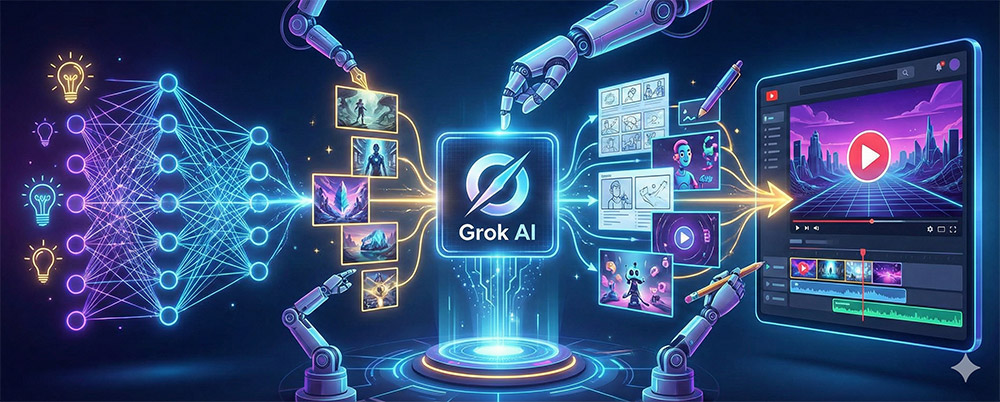
What is your biggest concern while running a YouTube channel?
Probably, it is a battle with production time over 'Which image should I use?', 'Is there no video source suitable for this scene?'.
Utilizing Grok, the AI created by Tesla's Elon Musk,
Sharing solid tips to help you take it vertically.
While there are many AI tools on the market, Grok offers unrivaled advantages to YouTube creators.
Overwhelming speed: Not only does it generate images, but it also whips up short videos of 6 to 15 seconds in just about 30 seconds.
The power of multimodal: The process of converting text into images, and then those images into animated videos, is incredibly seamless.
Automatic Sound Generation:When creating a video, it automatically applies background music (BGM) and sound effects (SFX) that match the atmosphere,
and even lip-sync dialogue that matches the character's mouth movements.
Step 1: Turning Imagination into Reality, Creating Images (Text-to-Image)
When you need a YouTube thumbnail or embed image, try entering the style you want.
Tip: If you specify a concrete art style such as "Ghibli style" or "Comic book style"
you can bring out the unique vibe of your channel There is.
Step 2: Bringing static photos to life, Image-to-Video conversion
Upload a created image or a photo you took yourself and click 'Make Video'.
Adjusting camera movement:Professional direction is possible with commands such as "Camera slowly zooms in."
Maintaining continuity:[span By utilizing the last frame of one scene as the beginning of the next, you can create long-form storytelling videos without any sense of incongruity.
Step 3: Reduce Audio Editing Time
Grok generates sound that matches the video.
It drastically reduces the time spent searching for separate free music when producing Shorts.
Application Area: Shorts
Detailed Strategy: Creating 6-Second Loop Videos
Expected Effects: Increased Watch Time and Views
Application Area: Storytelling
Detailed Strategy: Creation of Images Recreating Historical Figures/Events
Expected Effects: Securing Original Visual Content
Application Area: Channel Branding
Detailed Strategy: Consistent [Expected Effects: A brand image imprinted on subscribers
AI is taking over the technical hurdles. If you use Grok as a tool,
you no longer have to rack your brains in front of editing software.
The important thing is your 'message' and 'idea'.