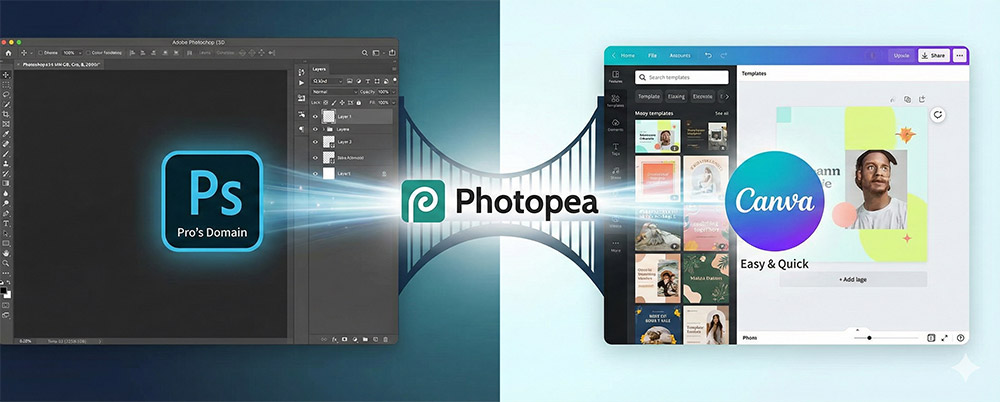
Were you burdened by the monthly Adobe subscription fees?
Are you worried that using template-based tools results in thumbnails identical to everyone else's?
Introducing 'Photopia,' which requires no installation, is free, and allows you to use 90% of Photoshop's features exactly as they are.
You must earn the readers' trust in this section.
Web-based Freedom: "Zero installation! You can start working immediately just by opening the browser, even on low-spec laptops."
Overwhelming Compatibility: "Opens not only PSD files but also AI, Sketch, and PDF. Use Photoshop shortcuts just as they are.
Professional-grade features: "Detailed adjustments that determine thumbnail quality, such as cutout (background removal), layer masks, and gradients, are possible.
Enhances practicality by showing specific usage examples.
Thumbnails that invite clicks Production: "From setting up the YouTube recommended size (1280x720) template to how to add text effects (borders, shadows)."
Channel Art & Logo Design: "High-resolution work is possible, allowing you to professionally build your channel's brand image."
How to Apply Korean Fonts: "You can load and use beautiful Korean fonts from your computer in Photopia as well." (Brief explanation of the method)
Utilizing free image sources: "A feature that links with free image sites like Pixabay to directly retrieve sources."